
 Lens
LensTeam headshots that match: how to plan a session once and reuse it for years
A practical plan for consistent company headshots: background, crop, lighting notes, wardrobe, scheduling and how to onboard new hires into the same look.
By MAD Monkey Media · · 5 min read
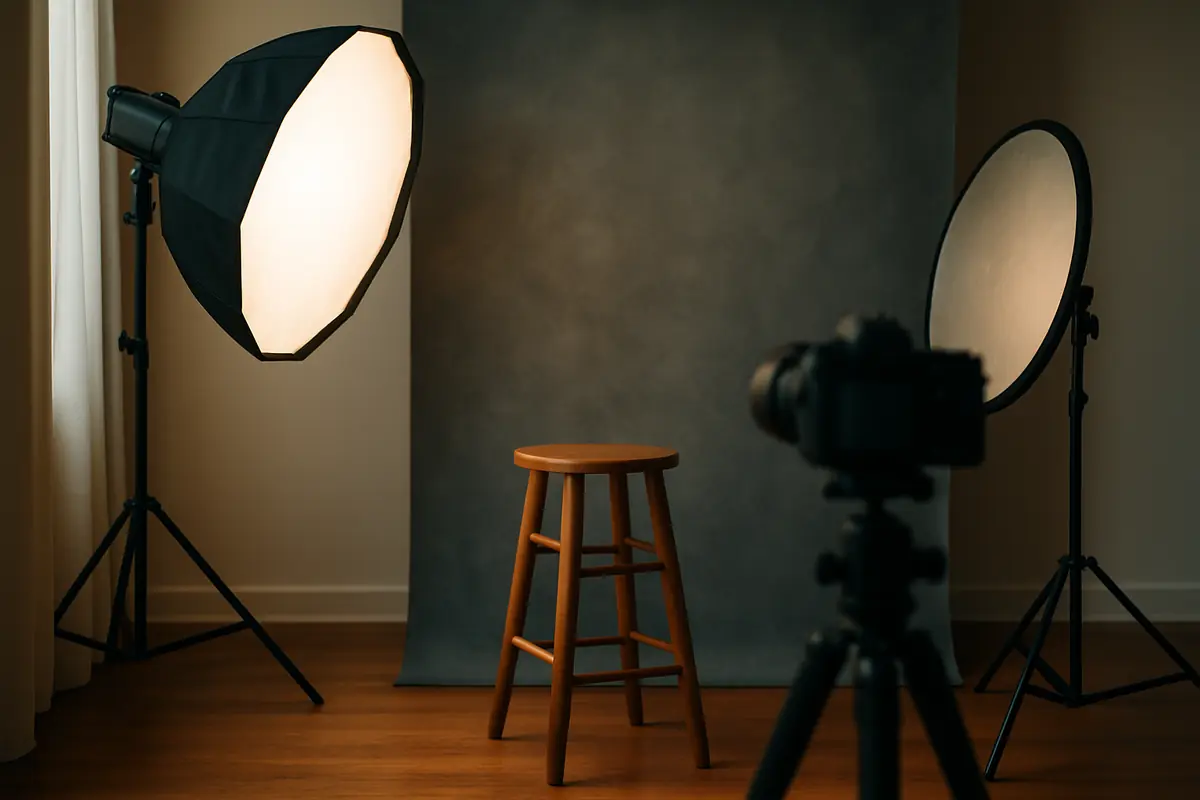
A team page where every headshot looks different quietly says "we never planned this." A matching set says the opposite, even for a five-person business. The trick is not an expensive shoot. The trick is writing down the setup so it can be repeated.
Step 1: Choose the look before the day
Decide four things and put them in a one-page note:
- Background: a solid studio color, a blurred office, or an outdoor wall. Solid backgrounds are the easiest to match later.
- Crop: head and shoulders, or down to the waist. Pick one and keep it.
- Orientation: square works for most profile slots. If your website uses a different ratio, ask for both crops.
- Mood: bright and friendly or darker and editorial. Share a reference image so there is no guessing.
Step 2: Help people show up ready
Send a short note a few days before the session. Suggest solid colors, clothes people actually wear to work, and a second top in case the first one clashes with the background. Tell them how long their slot is so nobody panics or wanders off.
Step 3: Schedule in short blocks
A long line of coworkers waiting their turn creates stiff faces. Short, scheduled blocks keep energy up. Put leadership or anyone who needs extra time at the start, when the set is fresh and everyone is on schedule.
Step 4: Ask the photographer for a setup record
Ask your photographer to note the background, light positions, lens and crop, with a quick photo of the set. This is the part most teams skip, and it is the part that saves you next year. When you hire someone new, you can hand that record to the same photographer, or a different one, and get a match.
Step 5: Name files like a grown-up company
Share a spreadsheet of names before the shoot and ask for files named first-last-company. It sounds small until someone has to match 30 files called IMG_4410.
What to ask about retouching
Retouching should make someone look like themselves on a good day, not like a different person. Ask what is included: blemish cleanup, stray hairs and color balance are common. Heavier changes may cost extra and often look worse on a team page anyway.
Usage for headshots
Headshots end up on websites, LinkedIn, proposals, press releases and printed materials. Make sure the license covers company marketing, and decide what happens when someone leaves the company. Read more in our usage rights guide.
Budget with a real starting point
The Lens headshot package starts at $199 for a session and 5 retouched portraits. For a bigger team, see the headshots category, then shortlist portrait photographers whose lighting matches the look you picked in step 1.
Related category: Headshots and team portraits
From $199 for a session and 5 retouched portraits.
Explore headshots and team portraits →Find the right pro for the job
Browse pros, save favorites to your Rolodex and build a crew quote. Browsing and shortlisting are free.
More guides
 For customers
How to hire a product photographer: a 12-point checklist
What to check before you book a product photographer: portfolio fit, deliverables, file sizes, usage rights, samples, timelines and the questions that prevent reshoots.
 For customers
How to write a shot list in 20 minutes (with a copy-ready template)
A simple shot list template for photo and video shoots: purpose, must-have shots, nice-to-haves, crops, people, props and approvals, so nothing important gets missed.
 For customers
Photo and video usage rights in plain English
Who owns the photos you paid for, what a usage license covers, and the questions to ask before you use images in ads, print or resale. General information, not legal advice.