
 Lens
LensLead a crew with Team Builder: one quote for a whole shoot
How clients and lead pros use Lens Team Builder to pick a project type, fill roles like director, camera, sound and editor, set shoot days and see one combined quote.
By MAD Monkey Media · · 5 min read
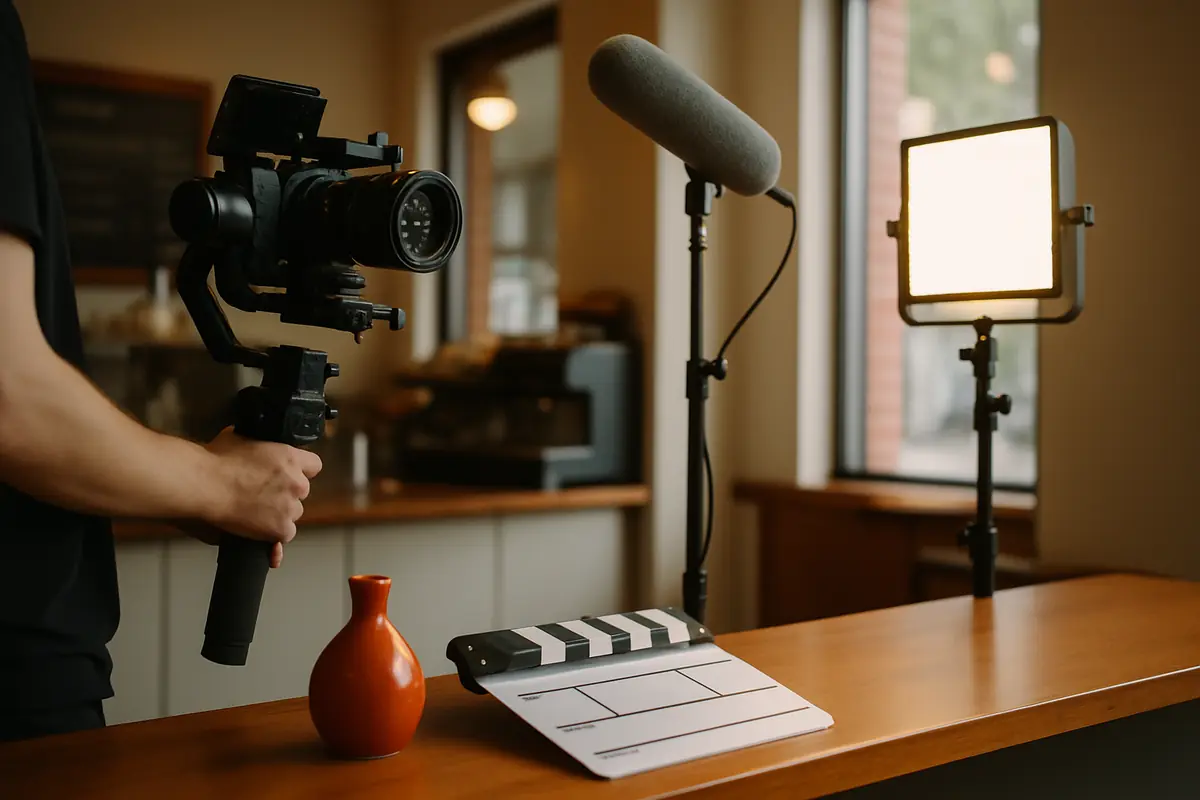
Bigger shoots need more than one person. A brand video might need a director, a camera operator, sound and an editor. An event might need photo, video and someone shooting behind-the-scenes clips for social. Team Builder on Lens turns that into one guided flow and one quote.
How Team Builder works
- Pick a project type. Options include brand video, event coverage, product or e-commerce, real estate, social content and team headshots. Each one suggests the roles that job usually needs.
- Fill each role. Choose pros from your Rolodex, the list you build while browsing or swiping the Discover deck. You can leave a role open if you have not found the right person yet.
- Set shoot days. The quote updates as you change the number of days.
- Review the combined quote. Role day rates are added together, and the platform fee appears as its own line so nothing is buried.
- Send the crew request. A request is not a charge, and nothing is booked until the pros accept.
For pros: why leading crews matters
Clients who need a full crew often prefer one point of contact. A pro who can assemble and lead a reliable team gets access to larger projects than a solo booking. Lead-crew tools sit on paid Lens plans, and during Beta pros can use any paid plan free until launch.
Build your bench before you need it
- Save sound, lighting and editing pros you trust to your Rolodex with private notes.
- Note each person's gear, style and the kind of jobs they are best at.
- Keep your own availability current, so a lead pro can count on you.
Keep the crew on the same page
A good crew shoot starts with a shared shot list, a call sheet with times and addresses, and one decision maker on the client side. Agree on file handoff between camera, sound and the editor before the day, including naming and backups.
Be clear about money and roles
Before the shoot, every crew member should know their day rate, what the day includes, overtime terms and when they get paid. Write it down. Crews that argue about money after a shoot rarely work together twice.
Try it: open Team Builder and price a sample crew. Browsing and building a quote are free.
Put your work in front of customers
Create a free Lens pro profile with MAD Login. During Beta, pros can use any paid plan free until launch with a card on file, and the Founders rates close at launch.
More guides
 For pros
How to write a Lens pro profile that gets shortlisted
A step-by-step guide for photographers, videographers and creative pros: headline, bio, portfolio projects, availability, service area and the details clients scan for.
 For pros
Packages or day rates? How creative pros can price so clients say yes
A practical guide for photographers and videographers on packaging services, when day rates still make sense, and how to show fees and add-ons clearly.
 For pros
Your Lens profile and search: what a public pro page does and does not do
How the public Lens pro page works for search engines: crawlable HTML, structured data, clear titles and portfolio text, plus honest limits and what you can do to help.